🛠️ Carousel: Displaying help text

Hey ,

I'm thrilled to help you learn JavaScript. Unfortunately, you've landed on a page where you cannot access with your current purchase.

Please upgrade (use this link) access this content.

I'm super eager to help you learn more!

🛠️ Carousel: Displaying help text

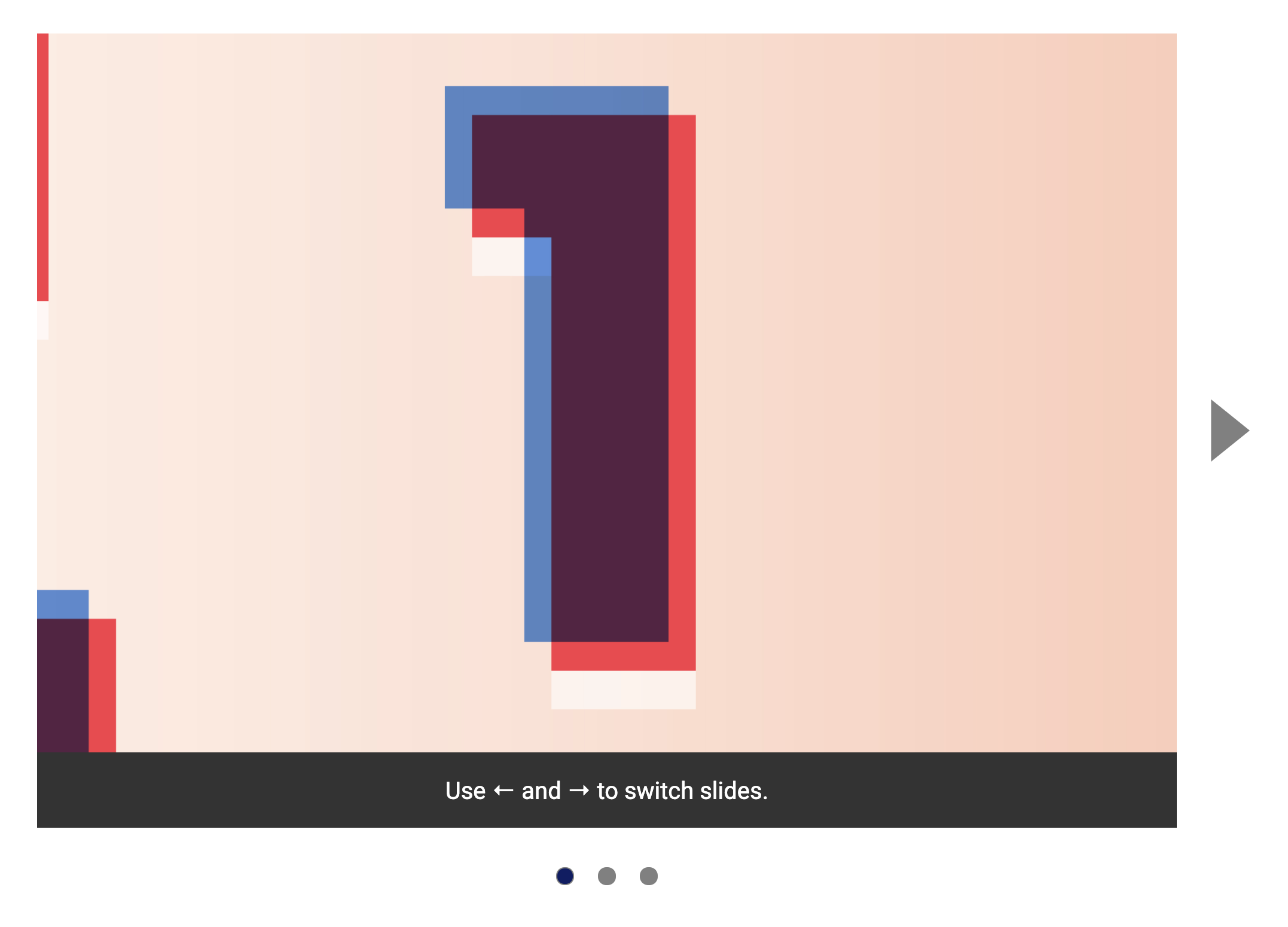
Users may not know they can switch slides with → and ← keys. We need to let them know, especially since we prevented the Tab key from working within the carousel.

The best way is to add help text that tells a users they can use → and ← keys to switch slides.

The help text.

To add this help text, we need to add the following HTML:

<section class="carousel">
  <!-- ... -->
  <div class="carousel__overlay">
    Use &larr; and &rarr; to switch slides.
  </div>
</section>

We also need to change a few CSS:

/* Remove these */
.carousel > *:nth-child(2) {
  grid-column: 2;
  align-self: stretch;
}

.carousel__dots {
  grid-column: 1 / -1;
  justify-self: center;
}
/* Add these */
.carousel {
  grid-template-areas:
    "left-button contents right-button"
    ". dots .";
}

.carousel .previous-button {
  grid-area: left-button;
}

.carousel .next-button {
  grid-area: right-button;
}

.carousel__contents-container {
  grid-area: contents;
  align-self: stretch;
}

.carousel__overlay {
  grid-area: contents;
  justify-self: stretch;
  align-self: end;
  z-index: 1;
  padding: 1rem;
  text-align: center;
  background: #333;
  color: white;
}

.carousel__dots {
  grid-area: dots;
  justify-self: center;
}

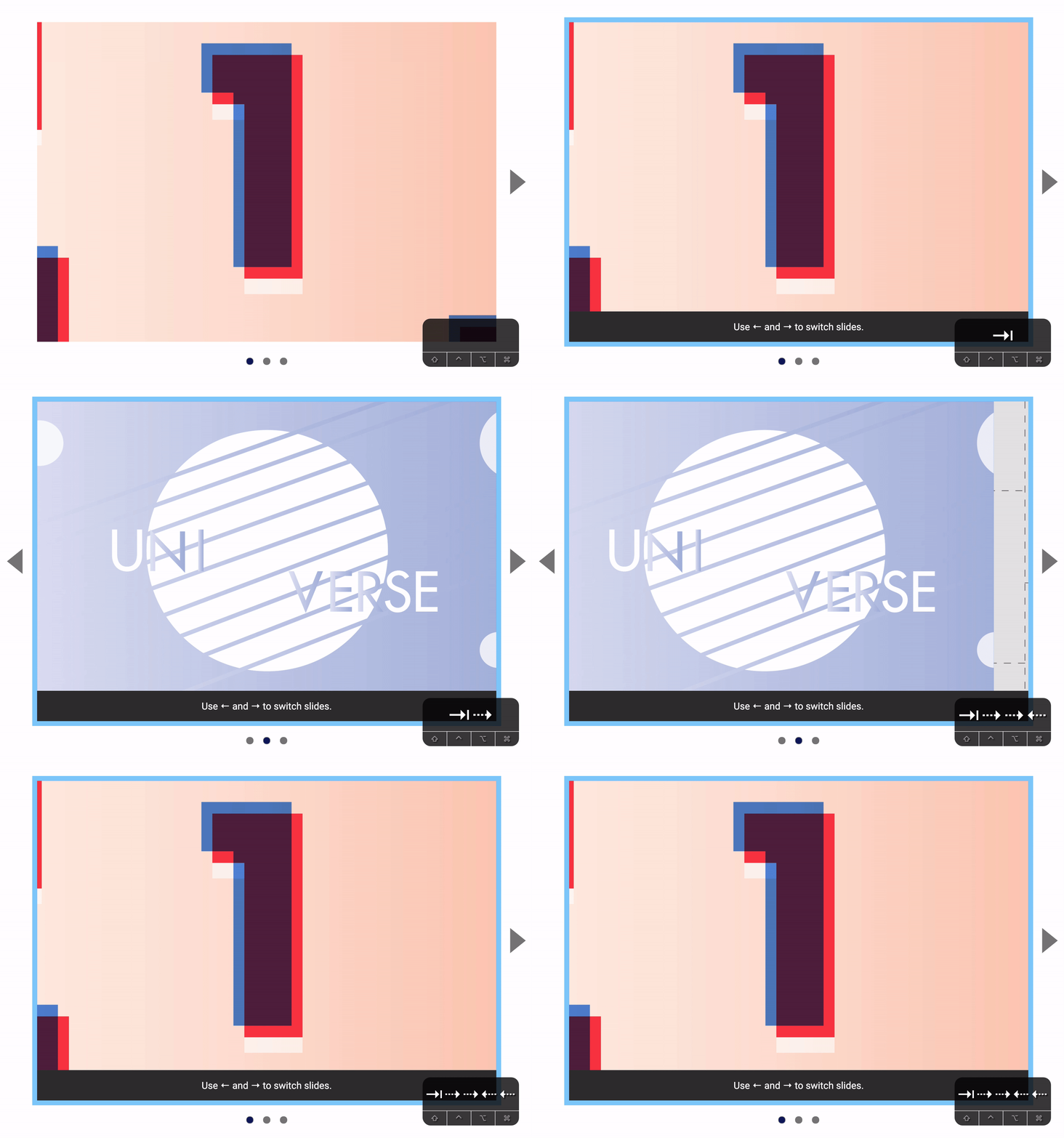
We want to show the help text only if the user focuses on a slide. To do this, we can use the :focus-within pseudo-class.

.carousel__overlay {
  display: none;
}

.carousel:focus-within .carousel__overlay {
  display: block;
}
Shows the help text when a slide gets focus.